
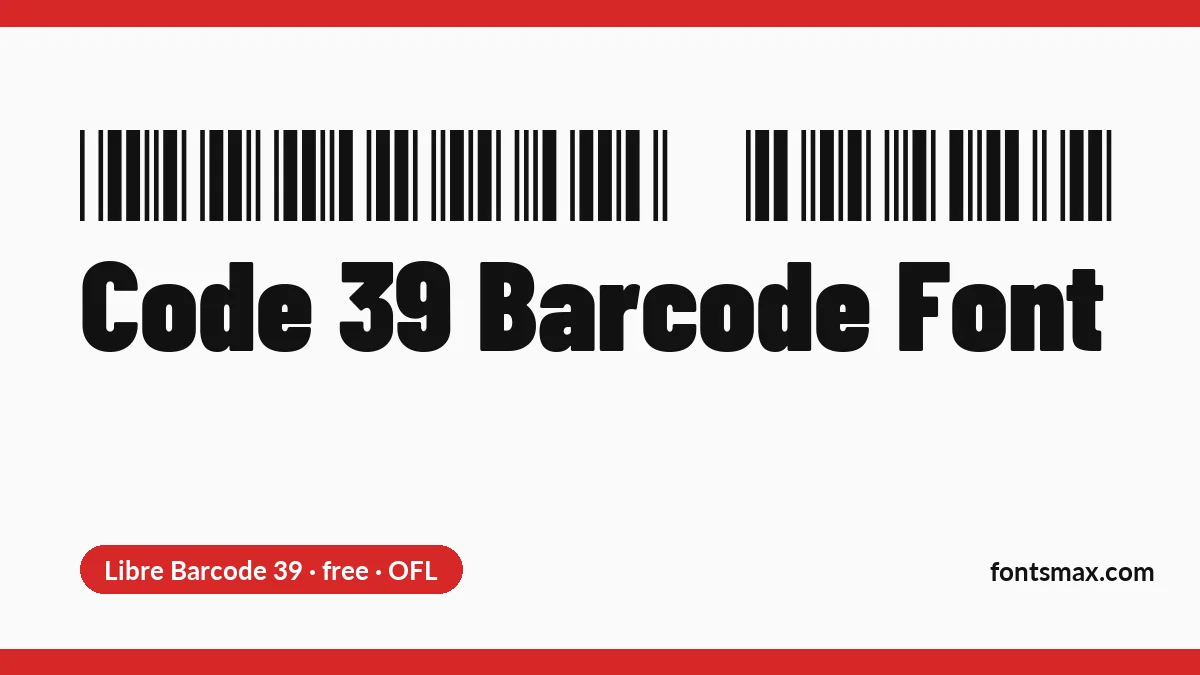
Quick answer: A barcode font in the Code 39 style (also called 3 of 9) turns text into bars. Type your text between two asterisks, for example *HELLO123*, and set it in the font. All four fonts on this page are free for commercial use, and I decoded each one with a scanner library to make sure it reads as Code 39.
- Libre Barcode 39Free, including commercial use
Plain Code 39 bars
Barcode- Personal use
- Yes
- Commercial use
- Yes
- Web embedding
- Yes
SIL Open Font License · Source: fonts.google.com · checked 9 Nov 2026
By Lasse Fister
- Libre Barcode 39 TextFree, including commercial use
Code 39 bars with readable text below
Barcode- Personal use
- Yes
- Commercial use
- Yes
- Web embedding
- Yes
SIL Open Font License · Source: fonts.google.com · checked 9 Nov 2026
By Lasse Fister
- Free 3 of 9Free, including commercial use
Basic Code 39, MIT-style licence
Barcode- Personal use
- Yes
- Commercial use
- Yes
- Web embedding
- Unknown, check the licence
Free for commercial use (author's words) · Source: squaregear.net · checked 9 Nov 2026
By Matthew Welch
- Free 3 of 9 ExtendedFree, including commercial use
Extended Code 39 (all ASCII), MIT-style licence
Barcode- Personal use
- Yes
- Commercial use
- Yes
- Web embedding
- Unknown, check the licence
Free for commercial use (author's words) · Source: squaregear.net · checked 9 Nov 2026
By Matthew Welch
- Libre Barcode 39Barcode
- Libre Barcode 39 TextBarcode
- Free 3 of 9Barcode
- Free 3 of 9 ExtendedBarcode
Licence notes are a summary; read the font’s own licence before commercial use.
Code 39 Barcode Generator
Code 39 Barcode Generator
Free fonts
Keep the asterisks at both ends of the text, or the barcode will not scan. The generator saves a PNG you can print or place in a design.
Why the asterisks matter
Intermec engineers David Allais and Ray Stevens created Code 39 in 1974. It covers 43 characters: capital letters, digits and a few symbols. An extra asterisk is used as both the start and the stop character. The symbology is now defined in ISO/IEC 16388:2023, and each character is nine elements, three wide and six narrow, which is where “3 of 9” comes from (Wikipedia).
Matthew Welch, who made Free 3 of 9, explains it simply. A scanner uses the asterisk to find where the code begins and ends, and it does not pass the asterisks on to your software. A code typed as *ABC123* gives your software ABC123.
Make a barcode in four steps
- Download a font below and install it, or use the generator on this page.
- Type your text in capitals, with an asterisk at each end.
- Set the line in the barcode font and make it large enough to print clearly.
- Print a test and scan it before you print a whole sheet.
One trap in Microsoft Word: some versions turn text between asterisks into bold. Welch notes that the bold setting must be switched off for the fonts to work, because bold alters the bar thickness and removes the asterisks. You can find it in AutoCorrect, under the AutoFormat options.
The four fonts compared

| Font | What it adds | Licence |
|---|---|---|
| Libre Barcode 39 | Plain barcode, capitals, digits and $ / + % – . and space | OFL |
| Libre Barcode 39 Text | The same bars, with the text printed underneath | OFL |
| Free 3 of 9 | Plain barcode with letters and a few symbols | MIT-style |
| Free 3 of 9 Extended | Covers all ASCII characters, with the extended Code 39 pairs | MIT-style |
I rendered the same text in each font and decoded the image with an open scanner library. All four came back as Code 39 with the right text, but only when the asterisks were there. Without them, nothing was read. That was a software test, not a hardware scanner, so test a printed copy with yours.
Licences differ between free barcode fonts. Some vendor fonts limit business use by company size or revenue, so read the terms before you print labels for a company. The four here carry the OFL or an MIT-style licence with no such limit.
Extended versions: a warning
Extended Code 39 writes lowercase letters and punctuation as pairs of characters. The Libre Barcode documentation warns that some scanners treat extended Code 39 as the plain kind. They might read Hello as H+E+L+L+O. If you do not need lowercase, stay with capitals and a plain font.
Barcode fonts are plain, practical tools. If you want a clean sans serif for the label around them, the DIN Condensed font page has free options, and the Eurostile font page covers a techy look.
Barcode font questions
Is there a free barcode font?
Yes. Libre Barcode 39 and 39 Text are under the OFL, and Free 3 of 9 is free for personal and commercial use.
Why does my barcode not scan?
Check for the asterisk at each end of the text. Also make sure Word has not turned the *text* into bold.
Is Code 39 the same as a UPC code?
No. Free 3 of 9 is not for the UPC codes found on shop products, though most scanners read Code 39.
Does Code 39 need a check digit?
Not in the basic form. An optional modulo 43 or modulo 10 check digit exists as a variant, and you need software to work it out, since the fonts only draw bars.
Can I use a barcode font in Canva?
Canva takes uploaded fonts on a Pro plan (the Canva font guide has the steps). Otherwise, save a PNG from the generator above and place it as an image.
I did not expect barcode fonts to be this simple. Type, wrap in asterisks, print. Take a look at the design fonts section for more.